


Personalization: Run Your Storefront Like a Growth Marketer
Serve any audience its own storefront experience, written into your Shopify theme rather than layered over it: new shoppers, returning VIPs, mobile visitors, or a custom audience defined by JS, cookies, or an integration. Stack the personalizations and then schedule launches around your drops and promos.

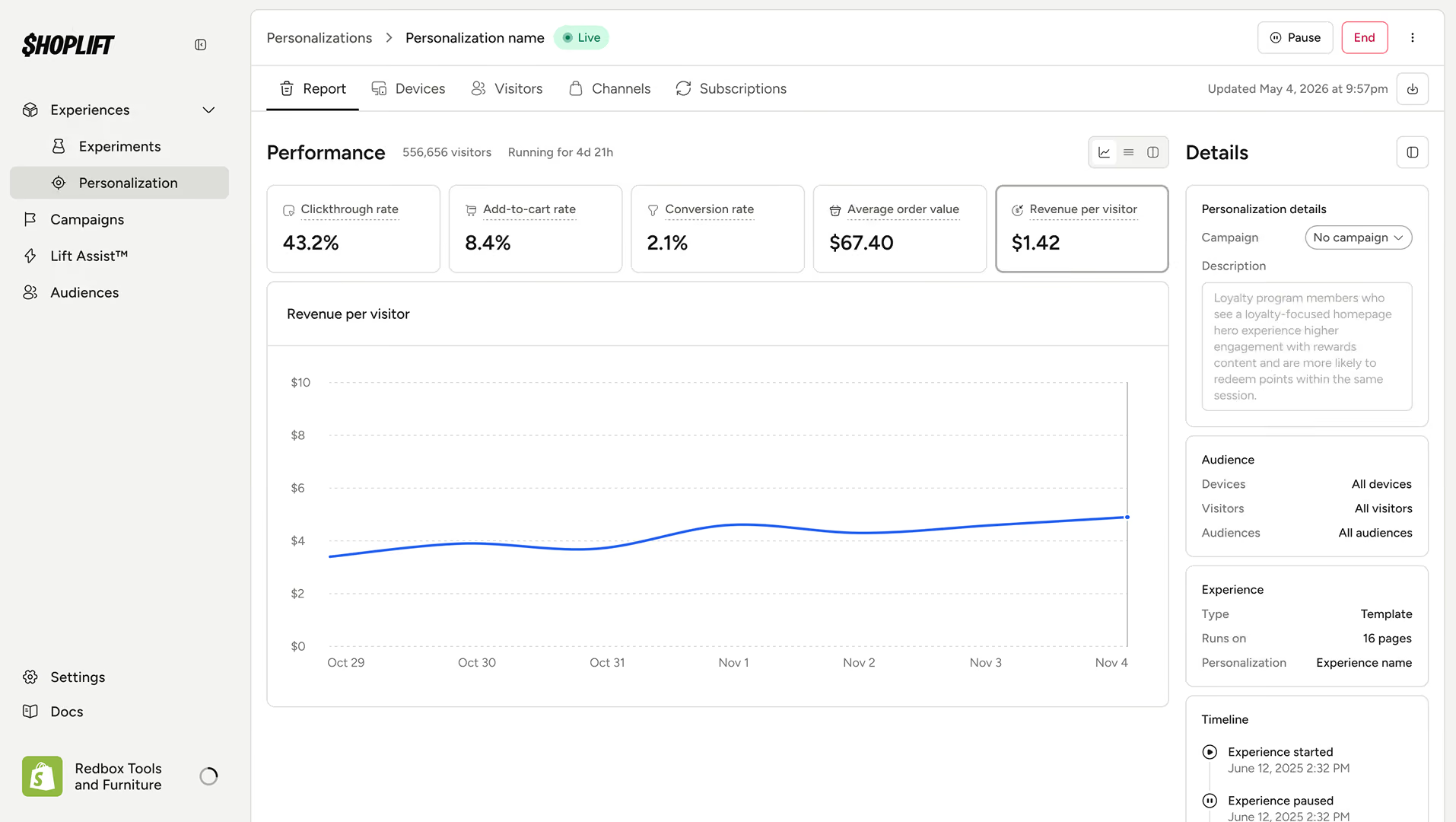
Every audience gets the storefront that converts it
The storefront joins the rest of your stack

The storefront joins the rest of your stack
Go live without a test to babysit
Go live without a test to babysit
It runs on your real theme
It runs on your real theme
What you can do with it
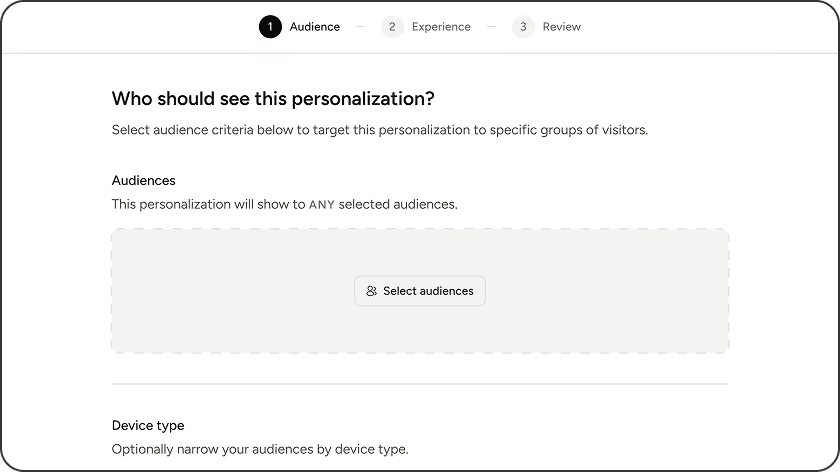
Serve any audience, including the ones you define
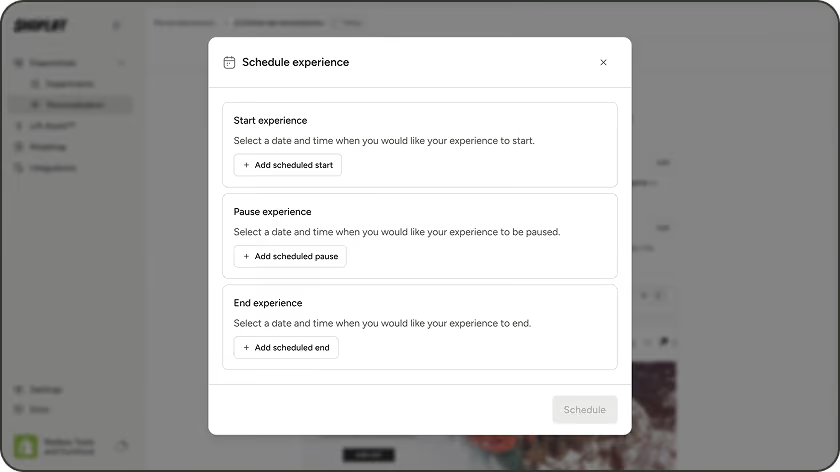
Schedule it around your calendar
Promote a winning test, or build from scratch
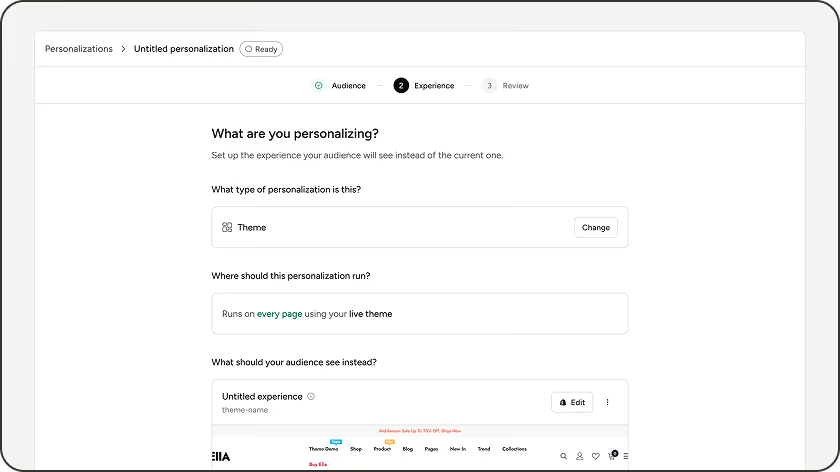
What you can target (no code)
New vs returning
Device
Region
Landing page
UTM and referrer
Cookie name and value
Stack conditions into one audience
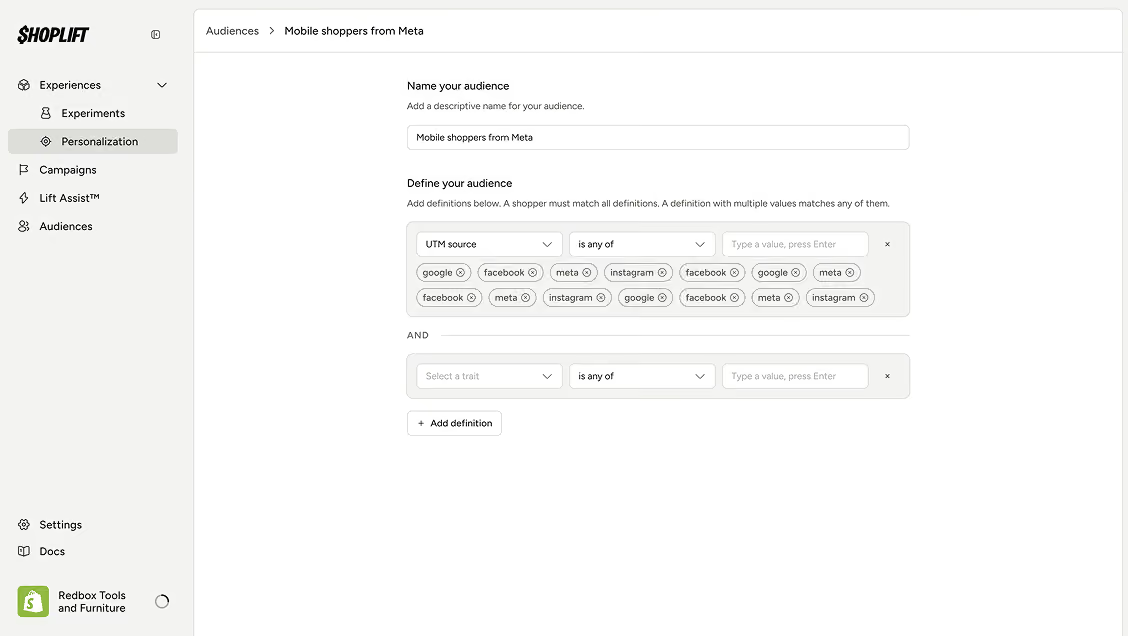
How it works
One key, one reference, and your LLM runs the program.
Build the audience.
Combine conditions in plain English. No code.
Choose the experience.
Point to a theme, template, or page, or promote a test winner if you have one.
Schedule it.
Leave it always-on, or give it start and end dates and group it into a campaign.
Go live.
It serves your audience continuously until you change it or the schedule ends it.
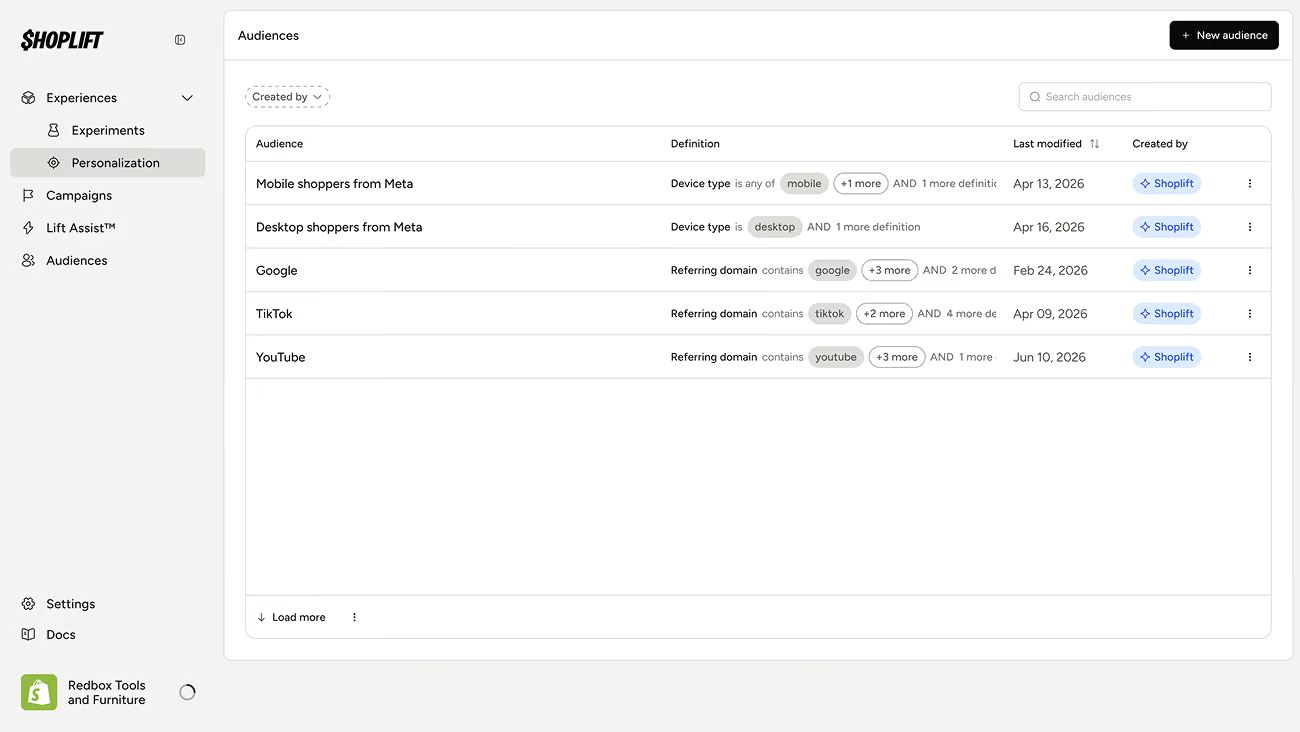
Plan it like a program
Personalization runs as a program next to your tests. Group related experiences and tests into a campaign (a spring sale, a launch, a loyalty rollout) and plan them in one place. Put everything on the roadmap to see what is live, what is scheduled, and where two experiences would land on the same audience. Block out your key dates so the team knows what has to be live during a launch and what to keep clear.
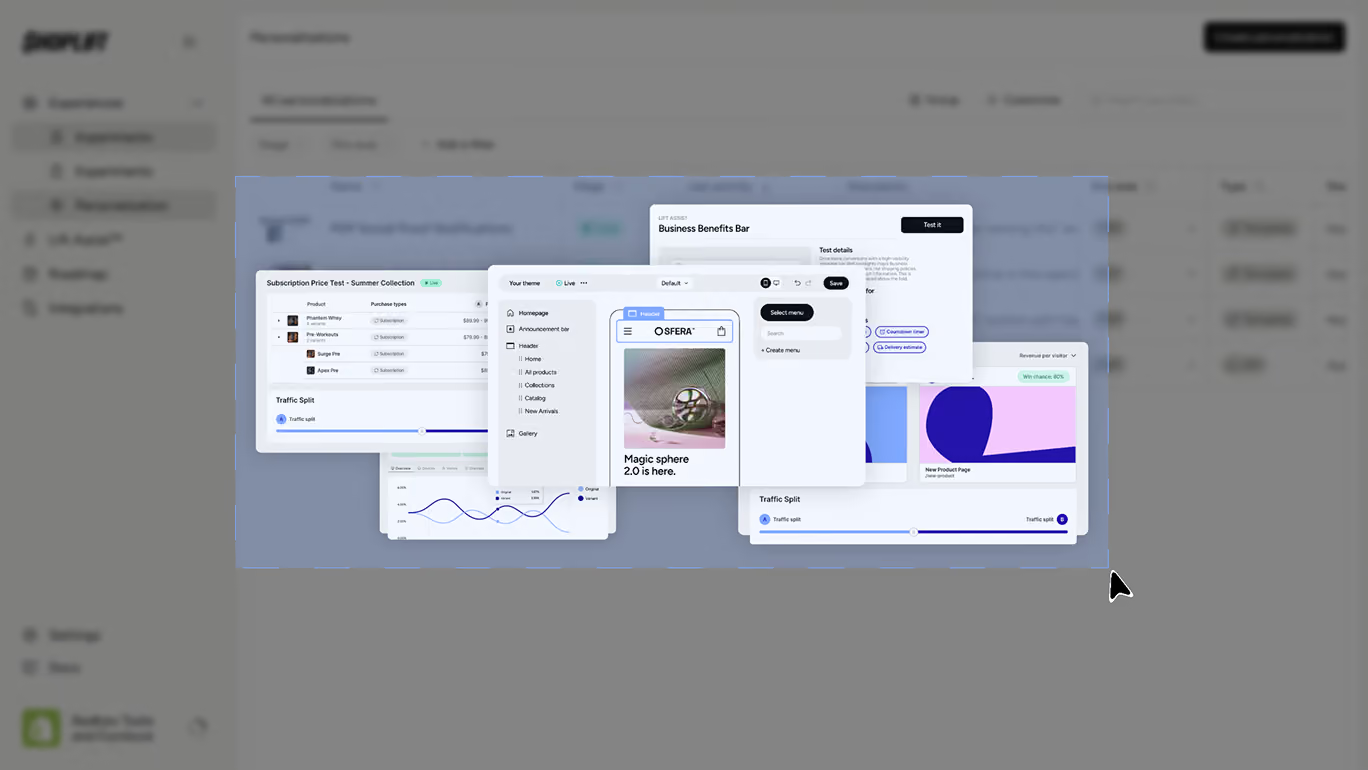
Reporting
Personalized experiences report the metrics your team already reads on tests: click-through rate, add-to-cart rate, CVR, AOV, RPV and revenue, in the same interface, with no separate dashboard. Personalizations run continuously instead of to a conclusion, so there is no winner readout. You watch performance over time and decide whether to keep it, change the audience, or refresh the content.Both platforms support template testing, price testing, and Shopify-native editing. A feature checklist makes them look similar.
When an experience comes from a promoted test, its original test results stay frozen, so you can show the data that justified making it permanent.
Storefront incrementality is measured at the store level against a permanent holdout, across your whole program rather than per experience.

The only Shopify Plus Certified CRO platform

Serving a defined audience its own live storefront experience. It runs continuously, with no end date unless you schedule one, and no test required first.
A test splits traffic between a control and a variant to find a winner, then ends. An experience sends a matching audience to one experience and runs until you stop it. You can promote a winning test into an experience in one click, or build one from scratch.
Yes, with no code. If your loyalty app sets a cookie, target its name and value, gold tier for example, as an audience condition. Klaviyo list and segment targeting is coming next.
Yes, at the state and country level. City and zip are not supported.
Shoplift uses a custom, durable tracking solution, which persists in Safari. A shopper is recognized across devices, and a returning shopper is not miscounted as new in Safari or a private window. Shoplift uses a custom, durable tracking solution, which persists in Safari. A shopper is recognized as returning if Shoplift has seen them before.
Yes. Group them into a campaign, set start and end dates, and coordinate them on the roadmap so two experiences never collide on the same audience.
No. Recommendations are one-to-one and belong to a specialized tool. Shoplift serves audience-level experiences and works alongside your recs app.
No. You define the audience and you choose what it sees. Shoplift serves that experience to that audience. Nothing gets re-themed on your behalf.
Advanced and Pro. The renamed Experiences navigation ships to all plans.


