

Take the Pain Out of Campaign
Campaigns groups your tests behind the one metric you're trying to move, so wins add up instead of scattering. Plan it, prioritize it, run it, all inside Shoplift.


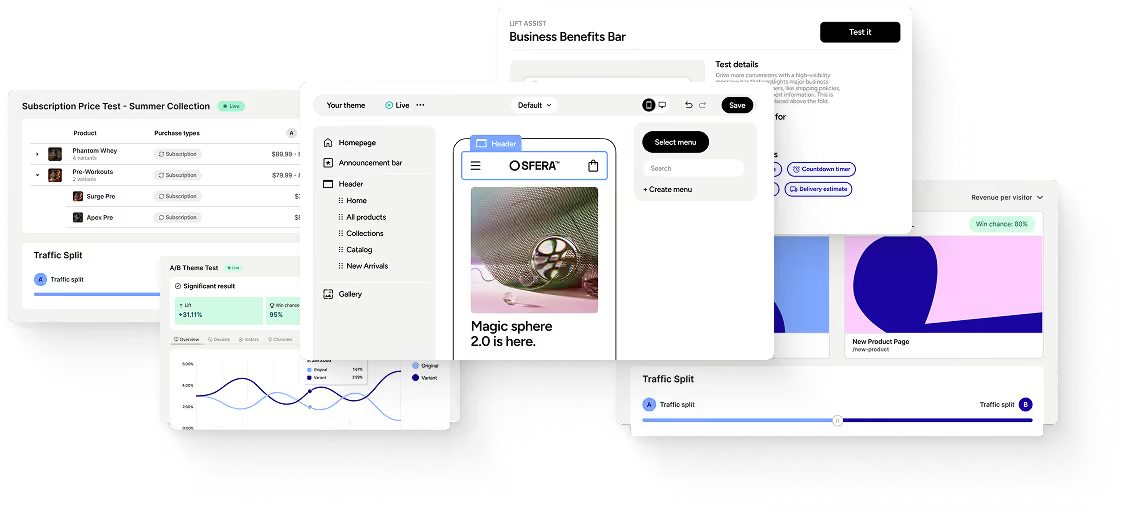
Trusted by 2,000+ Shopify Plus Brands






A Win Here and a Win There Still Isn't a Program

A single test answers a small question. A Campaign asks the bigger one: is the program moving the metric you care about? Group the tests that share a goal, read them together, and let progress come from what the work adds up to, not from whether one variant happened to win.
You Test
A plan stuck in a separate doc goes stale the second the first test ships. Campaigns keeps planning where the tests actually run, so what you set out to do and what's live never drift apart. Ideas turn into tests instead of dying in a forgotten tab.
keeps itself
Every Campaign holds the goal you set, the bet behind each test, and how it landed. Come back a quarter later for a retro or your next planning round and the thinking is right there. You build on what you learned instead of rebuilding the story from memory or a deck.
See what Campaigns is all about
Group your tests around what you're actually trying to move
Campaigns changes how your program gets run, planned, and remembered.
Campaign Container
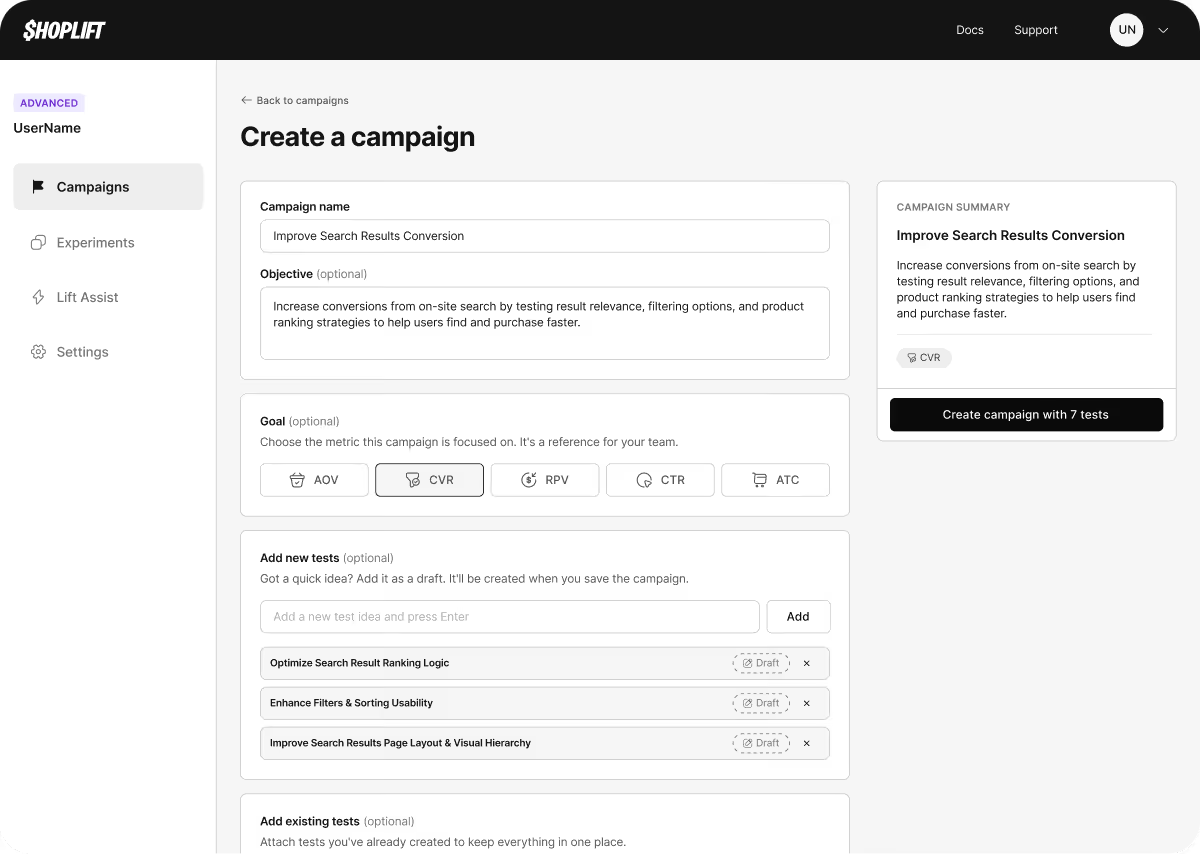
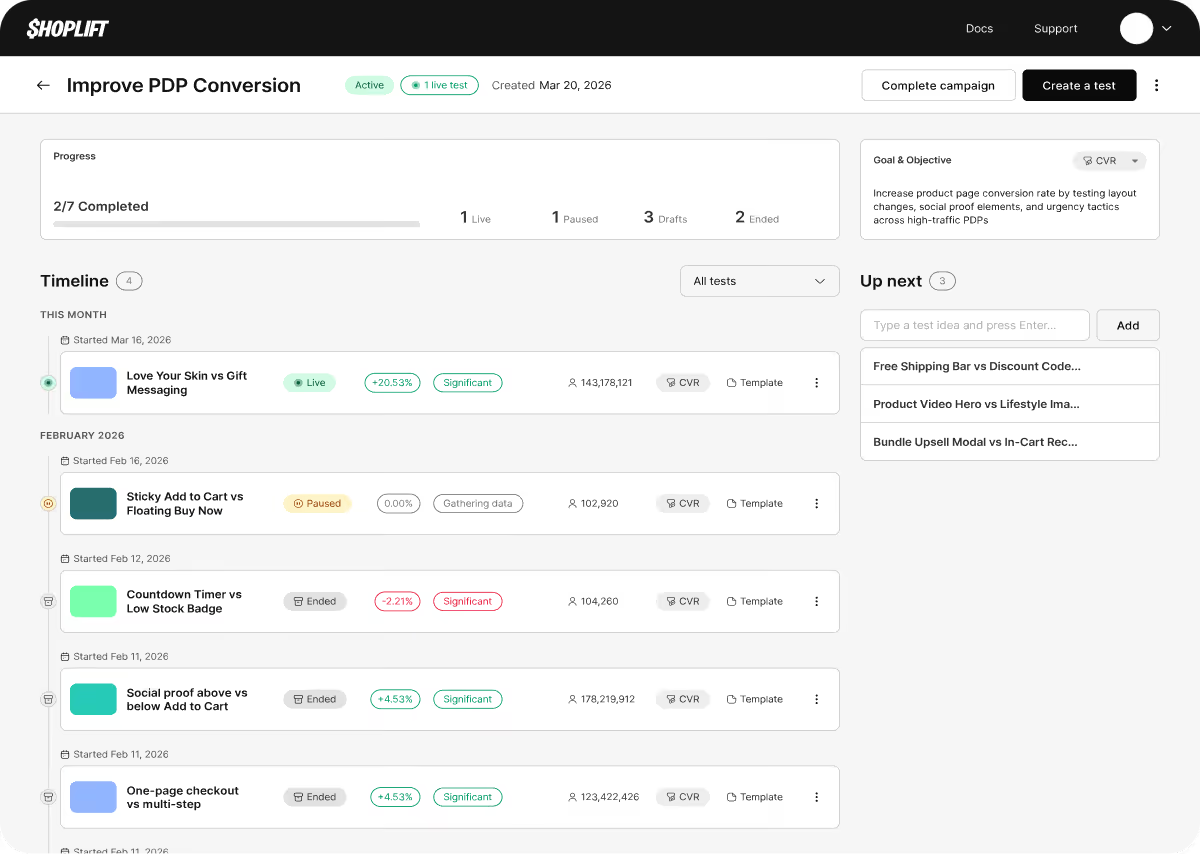
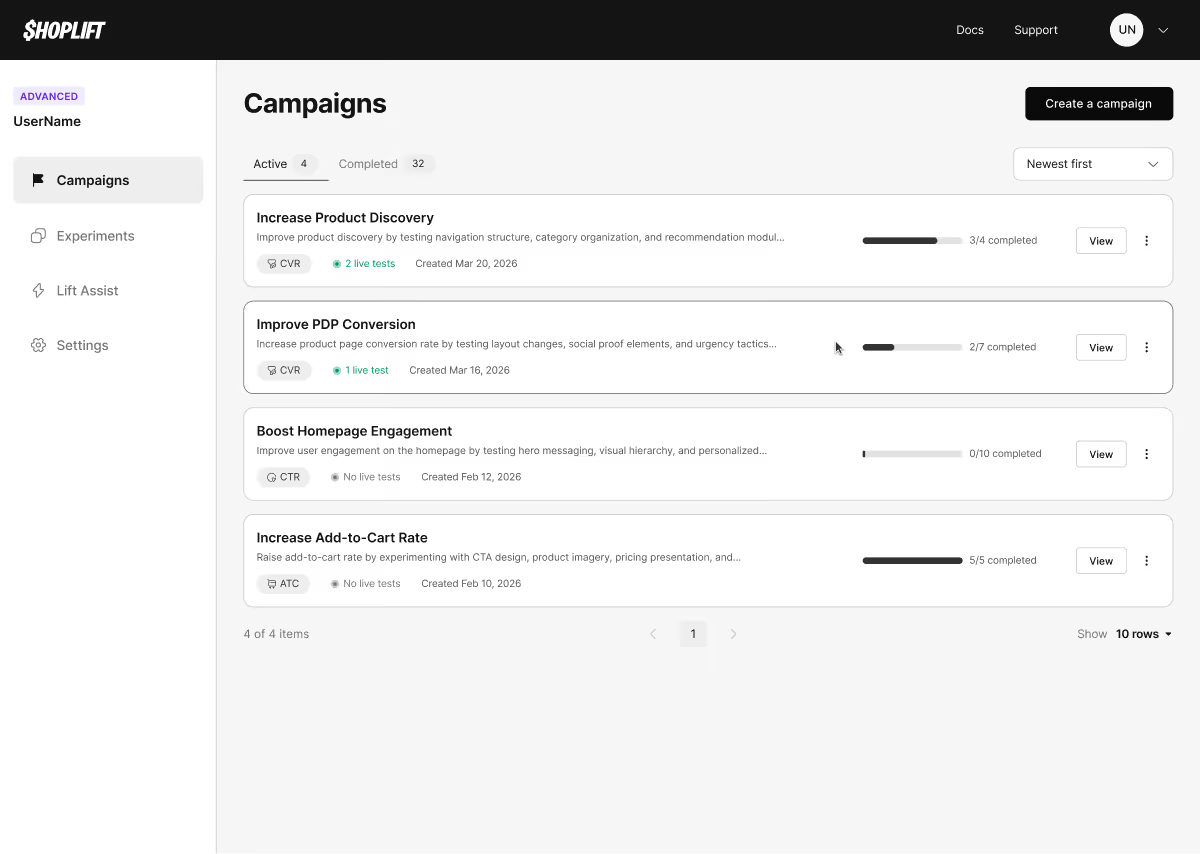
Name your Campaign, pick one goal metric, and every test inside is scored against it: positive, negative, or flat.
Test Drafts
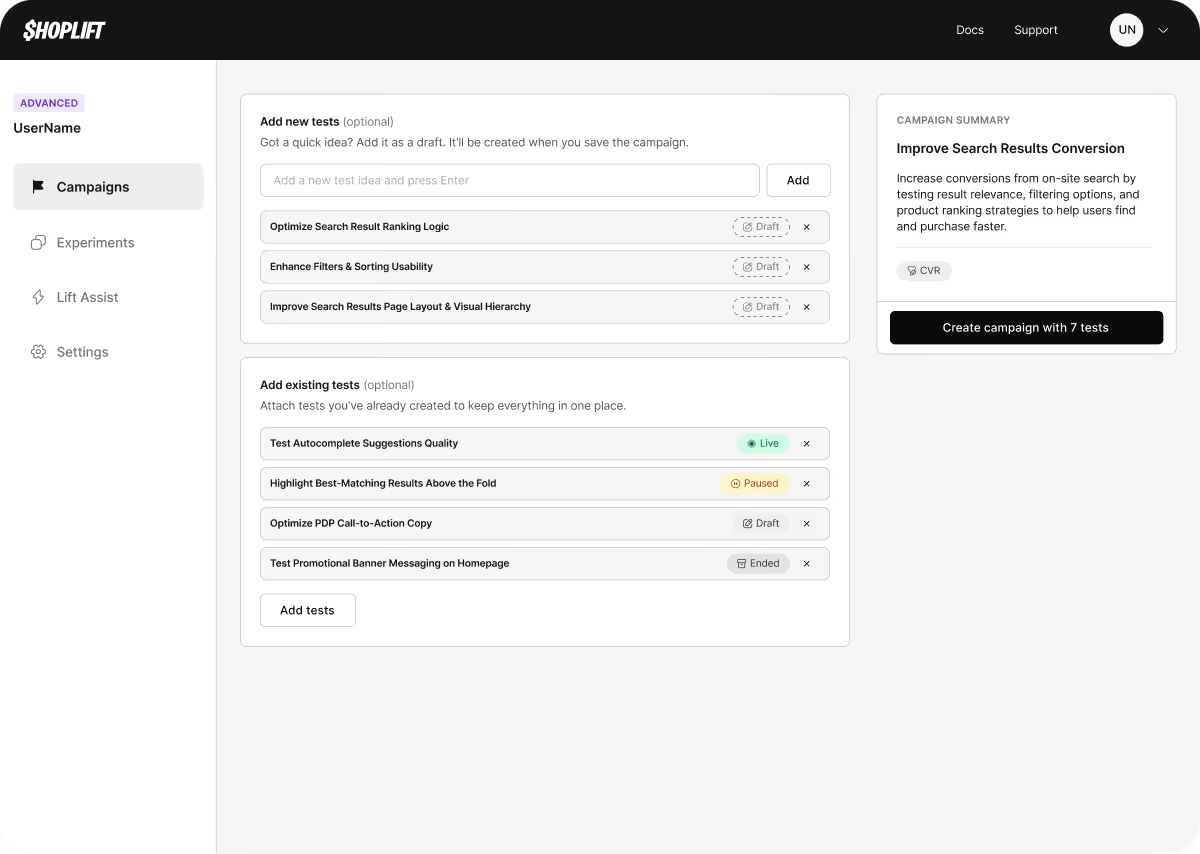
Capture an idea with just a title and line it up where the work happens. The brainstorm lives inside the Campaign, not in a separate doc.
Timeline View
See what ran, what's next, and what landed, grouped so you read the whole body of work at a glance.
From a list of ideas to a running program
Capture a test idea with just a title, drop it inside the Campaign it belongs to, and build it out when the time is right. The gap between a brainstorm and a live test just got a lot shorter.
The Brands Already Building this Way
Programs already running in Shoplift, organized by a goal, not a backlog.


“Campaigns gives our team a layer of structure that a flat test list never could. We can now organize experiments around real initiatives, like a PDP overhaul or a homepage redesign, and track progress against those goals. For an agency running testing across multiple clients, that's a meaningful unlock.”


"Most teams ask, ‘What should we test next?’ The better question is, ‘What are we trying to learn?’ That's the difference between running random tests and compounding insights. Campaigns keeps every experiment tied to one goal, so each test makes the next one smarter."

the Client Report You've Been Rebuilding By Hand
Agencies like Avex, Absolute Web, and Foundry already piece together test results to show clients what a campaign delivered. Campaigns builds that report automatically, none of the manual work.
On the Roadmap
What's next as Campaigns goes from the planning layer to the full reporting loop.
Rollup reporting
Campaign-level rollups turn a body of work into the number that proves it: the piece that completes the CRO platform story.
Win / loss / inconclusive breakdown
Three-bucket revenue model — gross wins, net incremental, cost of learning
Revenue impact projections for the program
Segment by visitor type and traffic source
CSV and PDF export for client reports
Impact & effort scoring
Score every idea by impact and effort, so the highest-leverage test rises to the top of the Campaign.
Calendar view
The planning layer on a timeline you can plan against: what's live, what's queued, and when.
List view filters & grouping
Filter the list by campaign and add a secondary grouping to keep a busy program tidy.
Metainformation & documentation
Note what you tested and what happened: which parts of the site, the result, the context, all on the Campaign.

Trusted by 2,000+ Shopify Plus Brands
Shoplift is the only Shopify Plus Certified A/B testing and CRO platform.

A Campaign is a container for grouping related tests under a shared business objective, like Improve PDP Conversion, a Q3 homepage redesign, or any initiative your team is working toward. Each Campaign has a name, an optional objective, and an optional goal metric. Instead of managing a flat list of individual tests, you organize the work into initiatives and track whether that body of tests is moving the metric that matters.
Yes. Every test in your Shoplift account, whether live, paused, draft, or ended, can be added to a Campaign retroactively. You don't need to start from scratch. If your store has run dozens of tests before Campaigns, you can pull them in now and immediately see your full testing history organized by initiative.
All of them. Template tests, theme tests, price tests, URL redirect tests, and JavaScript API tests can all belong to the same Campaign. A single Campaign around Checkout Optimization could hold a price test, a template redesign, and a cart tweak at the same time.
A test draft is a named idea parked inside a Campaign before the full test is built. When your team has a hypothesis but isn't ready to configure it yet, you save it as a draft, just a title, so the idea lives in Shoplift alongside the tests already in flight instead of in a doc that loses context over time. Drafts appear in the Campaign's Up Next sidebar and can be promoted to real tests when you're ready.
Each Campaign supports one goal metric: AOV (average order value), CVR (conversion rate), RPV (revenue per visitor), CTR (click-through rate), or ATC (add to cart). The goal metric is a shared reference point for your team. It isn't an automatically calculated cumulative score, but it appears on the Campaign card and throughout the detail view to keep every test in the initiative oriented toward the same outcome.
Spreadsheets and docs live outside the place where your tests run. Results get copied over by hand, context drifts, and the link between a test and the goal it was meant to move gets lost. With Campaigns, planning and execution happen in the same place. The goal, the tests, and their outcomes are permanently linked, so the full picture is still there six months later without reconstructing it from memory or a deck.
Campaigns are available on the Advanced and Pro plans

